
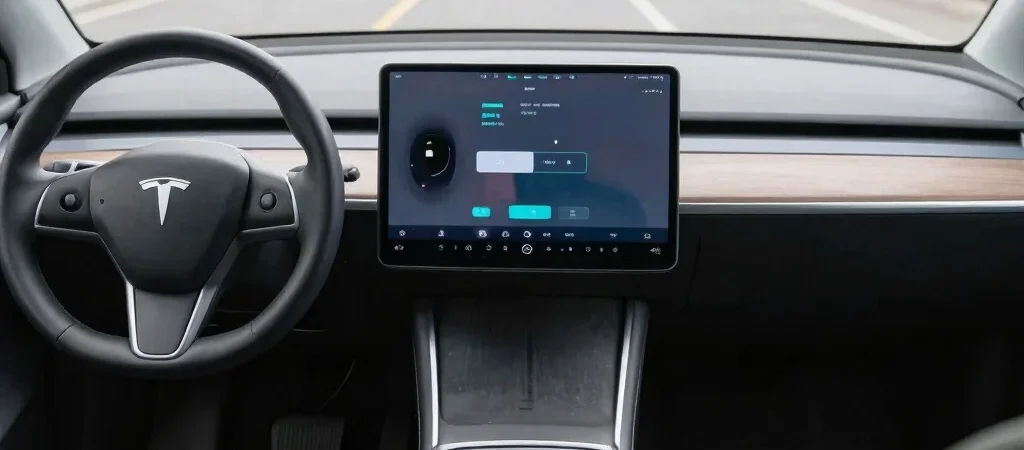
A notification on the dashboard says an update is ready, but it doesn’t tell you whether the change affects the navigation screen, a connected feature, or a vehicle system. Cars increasingly rely on software for displays, driver-assistance features, and communication between components. The important detail is not just that an update exists, but what the manufacturer says it changes for your specific vehicle.
Not every update is alike
Some updates can be delivered over the air, meaning the vehicle downloads and installs software through a wireless connection. These may address infotainment functions, connected services, or other software-controlled features, depending on the model. Other work still requires a dealer or repair shop, especially when it involves hardware, inspection, or a procedure that cannot be completed remotely.
The phrase “software update” alone doesn’t establish that an update will add a new driving capability or improve performance. Read the release notes or owner information for the exact vehicle, and distinguish a confirmed change from a general description of the technology. Features and update options differ across manufacturers, model years, and equipment packages.
Install with care
Before starting an update, check whether the car needs to be parked, connected to Wi-Fi, or left untouched for a period of time. The instructions may limit access to some functions while installation is underway, so choose a time when you do not need to drive. Use the vehicle’s built-in update process or official manufacturer guidance rather than an unfamiliar link or message.
After installation, confirm that the update completed and review any notes about changed settings or features. Keep service notices separate from software notifications: a remote update does not automatically mean that a recall or required repair has been completed. When in doubt, check the vehicle identification number through the manufacturer’s official channels or ask a service department what action is still needed.